MetaTrader 5 Platform Features
MetaTrader 5 brings charts, technical analysis, order execution, account monitoring, Expert Advisors, strategy testing, trading signals and terminal access into one platform environment.
Each feature supports a different trading task, from market review and order handling to automated workflows and cross-device account access.
This page explains what the platform tools do, where desktop, WebTerminal and mobile terminals fit, and which conditions depend on the connected broker account.
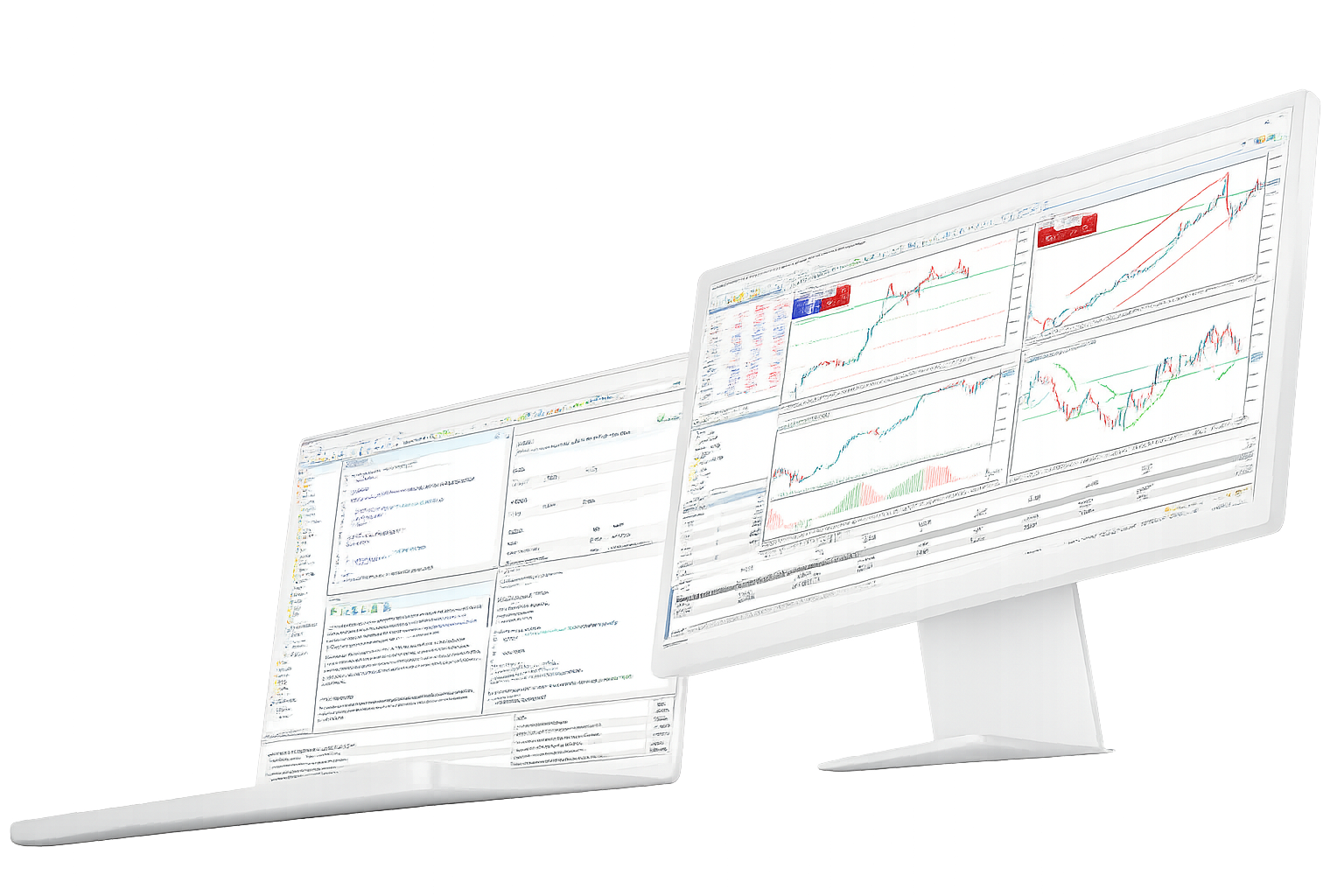
Trading platform features and tools
MetaTrader 5 is easier to understand by feature area: charts, orders, account access, strategy testing, Expert Advisors, signals and terminal coverage.
Orders system
- Supports common order types, position tracking and trade history review
- Built for switching symbols, checking account status and reviewing order records
- Useful when order execution, account monitoring and risk checks need to stay in one terminal
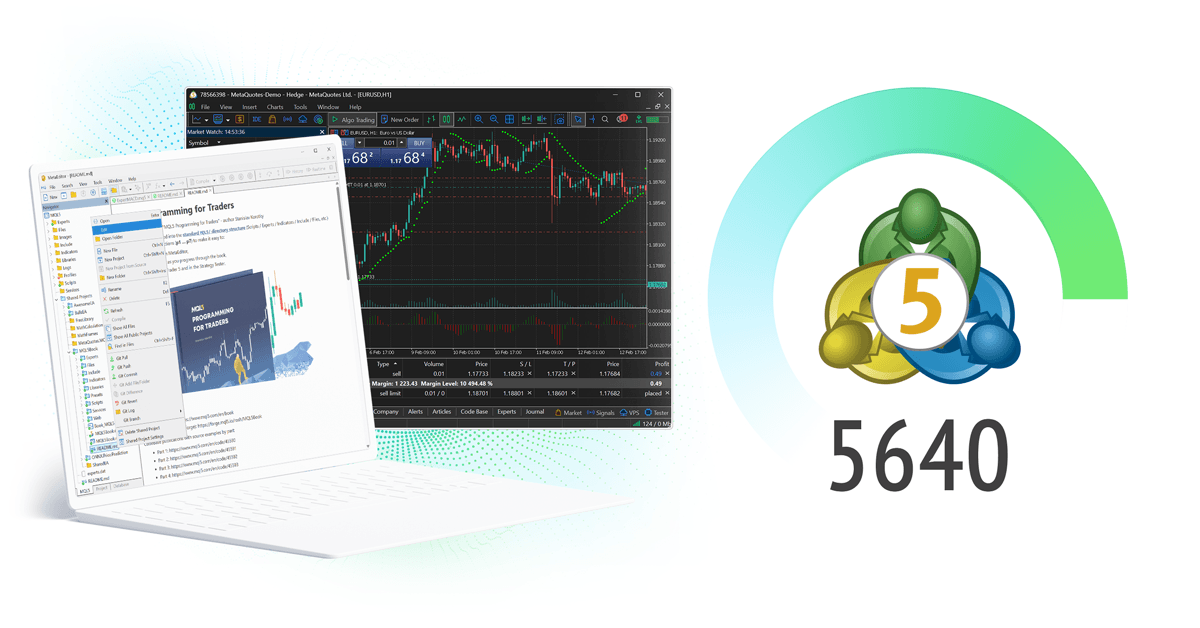
Charts and technical analysis
- Supports chart layouts, technical indicators, drawing tools and templates
- Allows templates for repeated chart routines and indicator sets
- Useful for market review, trade preparation, price structure analysis and post-trade review
Market tools and market context
- Useful when market events need to be reviewed alongside price action
- Can complement charting, account checks and trade preparation routines
- Does not replace independent judgment, risk review or account-level controls
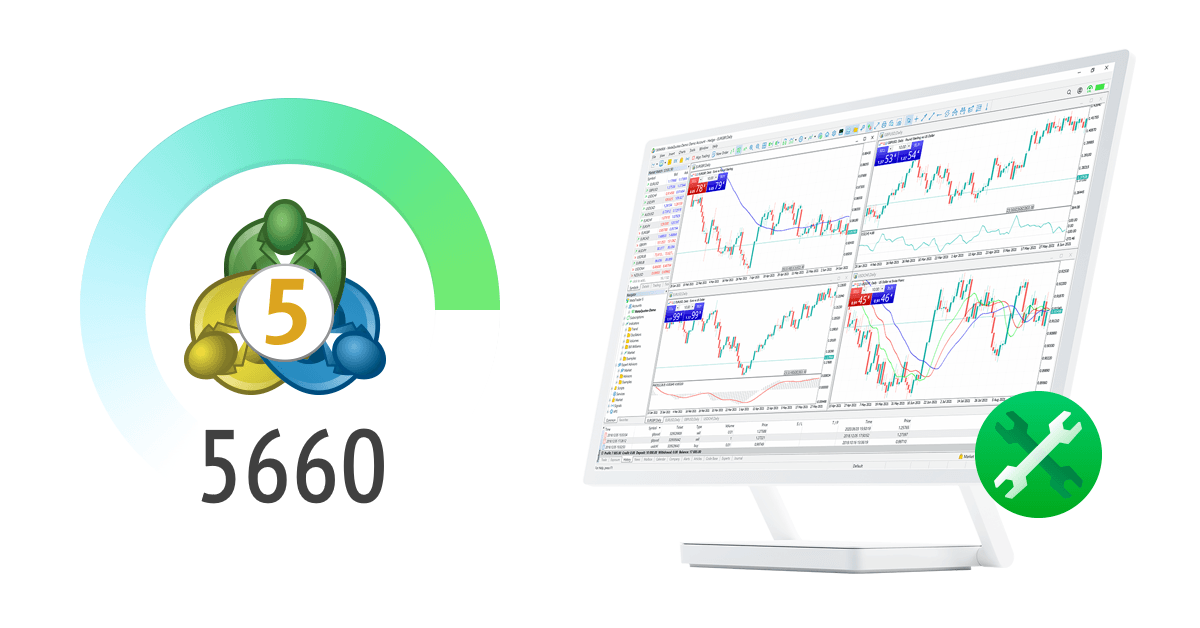
Expert Advisors and testing
- Built for rules-based execution, strategy validation and repeatable workflows
- Includes historical testing and optimization tools
- Results still depend on strategy logic, data quality, market behavior, account conditions and runtime stability

Trading signals and copy workflows
- Signal providers differ by drawdown, risk profile, trading frequency and account conditions
- Useful as an additional workflow, not as a guaranteed trading result
- Still requires independent review, account checks and risk control
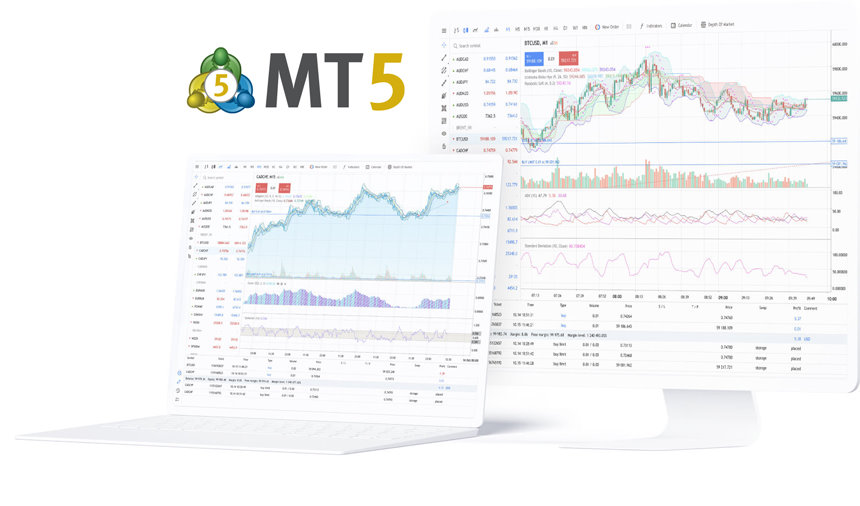
Desktop, WebTerminal and mobile access
- Desktop is better for chart-heavy sessions, strategy testing and EA setup
- WebTerminal is better for browser-based account access without installation
- Mobile terminals are better for alerts, account checks and basic order handling
Frequently asked questions
Direct answers about MetaTrader 5 features, broker account boundaries, automation, signals and terminal differences.