About MetaTrader 5
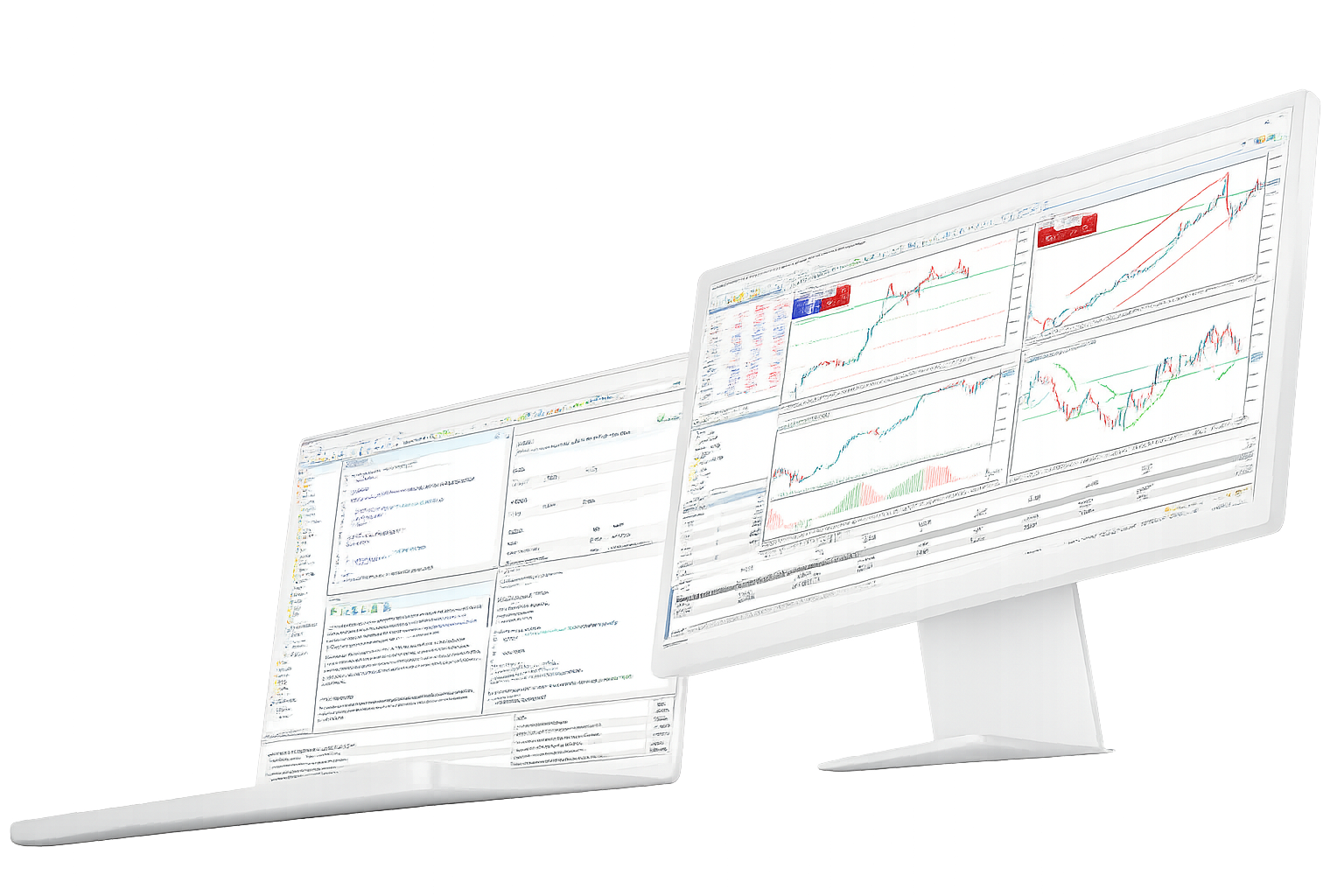
MetaTrader 5 is a trading platform used for market charts, technical analysis, order execution, account monitoring and automated trading workflows.
It brings desktop terminals, WebTerminal, mobile apps, Expert Advisors, strategy testing, trading signals and VPS-related workflows into one platform environment.
MetaTrader 5 provides the terminal and tools; broker accounts control server access, available symbols, quotes, spreads, leverage and execution rules.
What MetaTrader 5 is
This page explains the platform role of MetaTrader 5, what its terminals provide, and which trading conditions depend on the broker account.
What MetaTrader 5 provides
- Desktop terminals, WebTerminal and mobile apps for account access
- Market charts, technical indicators, drawing tools and watchlists
- Expert Advisors, MQL5, strategy testing, trading signals and VPS-related workflows
What MetaTrader 5 does not control
- Broker account creation, verification and login credential issuance
- Server assignment, available symbols, quotes and account permissions
- Spreads, leverage, trading hours, margin rules, order execution and account restrictions
Desktop, WebTerminal and mobile terminals
MetaTrader 5 terminals serve different user tasks: full desktop workflows, browser-based access and mobile account monitoring.
| Terminal | Primary role | Typical use |
|---|---|---|
| Desktop | Full terminal workflow | Longer sessions, chart analysis, order windows, strategy testing and Expert Advisor setup |
| WebTerminal | Browser-based account access | Quick login, quote checks and basic order handling when installation is not practical |
| Mobile | Portable account monitoring | Quotes, alerts, account checks and basic position handling away from the desk |
Platform scope and broker account boundaries
MetaTrader 5 and broker accounts work together, but they are responsible for different parts of the trading environment.
Platform-side scope
The platform side defines how users access charts, order windows, account monitoring, strategy testing, Expert Advisors, signals and terminal settings.
- Terminal behavior across desktop, WebTerminal and mobile apps
- Chart analysis, order workflows, strategy testing and automation tools
- Access structure for first use, repeated sessions and multi-device workflows
Broker account scope
The broker account determines what becomes available after login through a specific server and account type.
- Visible markets, symbols, quotes and trading permissions after login
- Server name, account number, password, account type and account status
- Spreads, leverage, margin, trading hours, execution model and account-level restrictions
About MetaTrader 5 questions
Direct answers about what MetaTrader 5 does, what broker accounts control, and how desktop, web and mobile terminals differ.