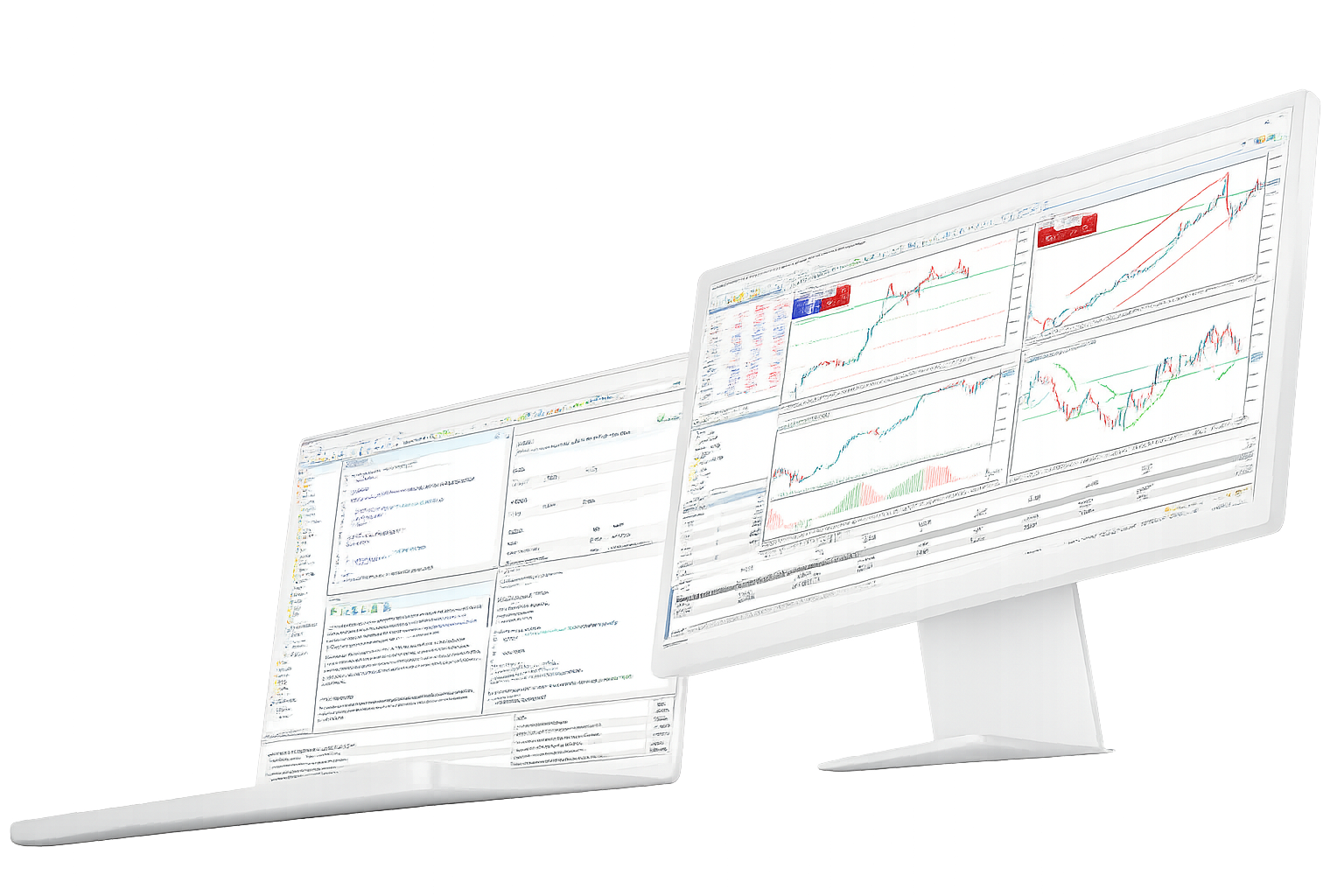
MetaTrader 5 Trading Platform

A trading terminal for market charts, technical analysis, order execution, account access and automated trading workflows.

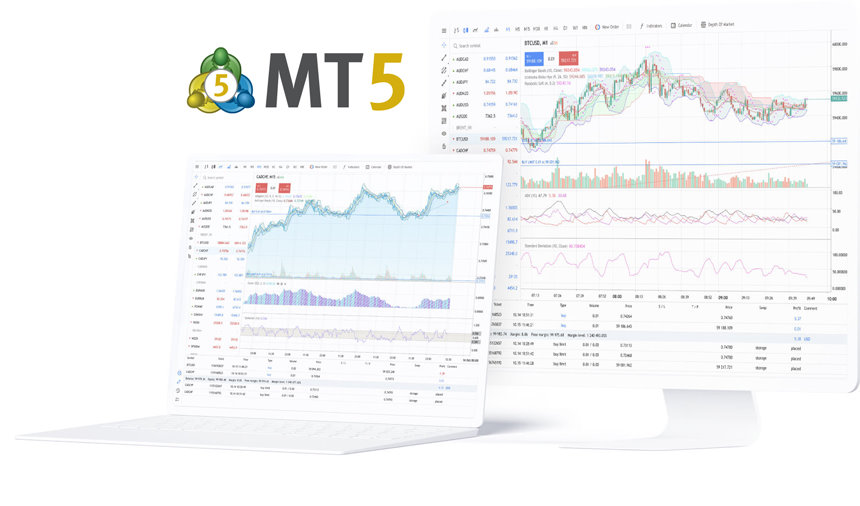
Use MetaTrader 5 on desktop, WebTerminal and mobile, while market access, symbols, spreads and execution conditions remain tied to the connected broker account.

Trading terminal, charts and automation tools

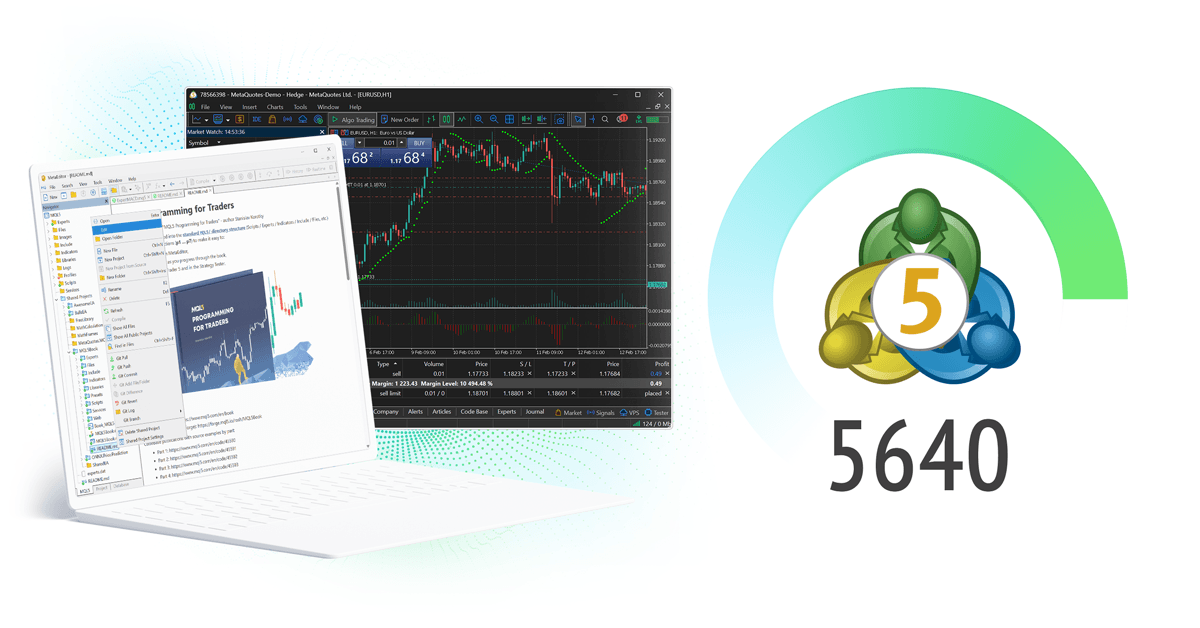
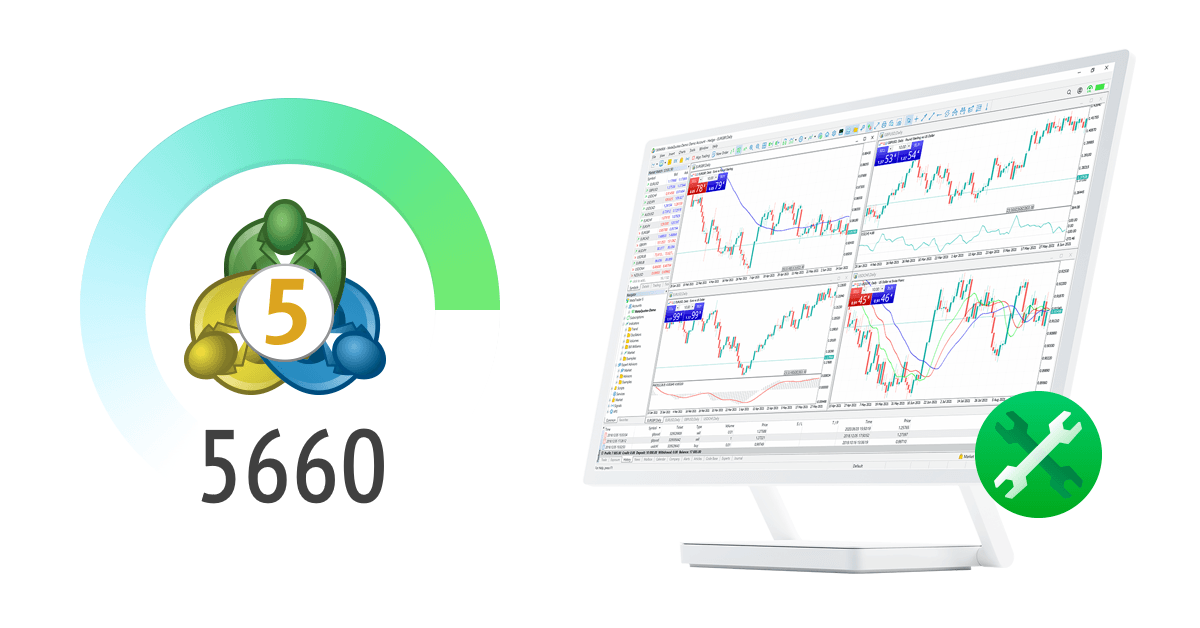
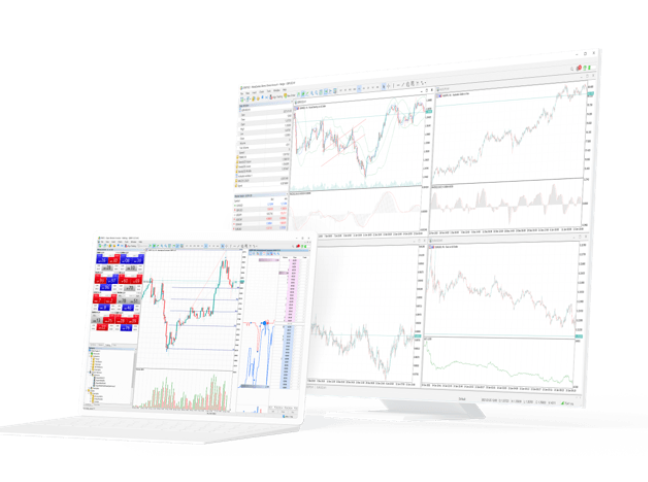
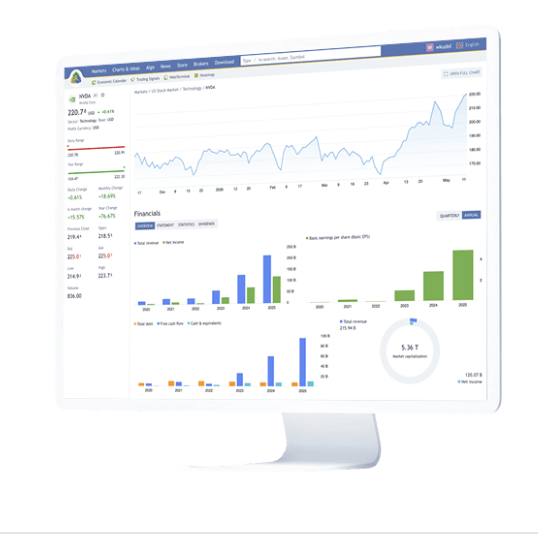
MetaTrader 5 combines market watchlists, chart analysis, order windows, account monitoring, Expert Advisors, trading signals and terminal access across desktop, web and mobile environments.

Market access and symbols

Forex / CFDs / Stocks / Futures
Use the terminal to view prices, open charts, place orders and monitor positions across supported markets.
The same interface can support forex, CFDs, stocks, futures and other instruments when they are available on the connected account.
Actual symbols, spreads, leverage, trading hours and execution rules depend on the broker server and account type.
Market chart analysis
Timeframes / Indicators / Templates
Multi-timeframe charts, drawing objects, technical indicators and templates support repeatable market analysis.
Saved templates help preserve chart layouts, indicator sets and recurring review routines.
Suitable for market review, trade preparation, price structure analysis and post-trade review.

Expert Advisors and strategy testing

Expert Advisors / MQL5 / Tester
Supports Expert Advisors, MQL5 scripts, historical testing and parameter optimization.
Used for rules-based execution, strategy validation and repeatable trading workflows.
Results still depend on strategy logic, data quality, account conditions, market behavior and runtime stability.

Trading signals

Signals
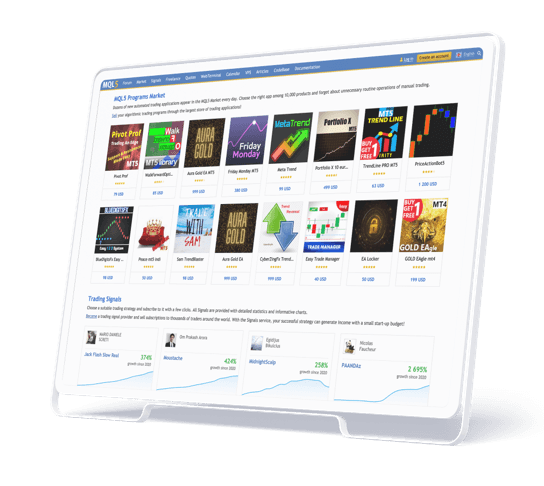
Trading signals provide a way to review providers, subscription details and copy-trading workflows.
Provider risk profile, drawdown, trading frequency and historical performance vary widely.
A signal should be reviewed against account conditions and risk tolerance before use.

Desktop, WebTerminal and mobile access

Desktop / Web / Mobile
Desktop is better suited to chart-heavy sessions, strategy testing and EA configuration.
WebTerminal is useful when browser access is more practical than installing software.
Mobile terminals are useful for market monitoring, alerts, account checks and basic order handling.

VPS, Market tools and workflow extensions

Market / VPS / Add-ons
Indicators, Expert Advisors, scripts, marketplace tools and VPS hosting can extend how the terminal is used.
These tools can support deployment and continuity, but they do not replace trading judgment or risk management.
They are most useful when a user already has a clear workflow, strategy or monitoring requirement.

Broker technology, market resources and developer tools

Related MetaTrader resources cover brokerage infrastructure, analytics, market research and MQL5 development workflows.

MetaTrader 5

Brokerage and institutional use

  • Broker technology
  • Institutional workflows
FINTEZA

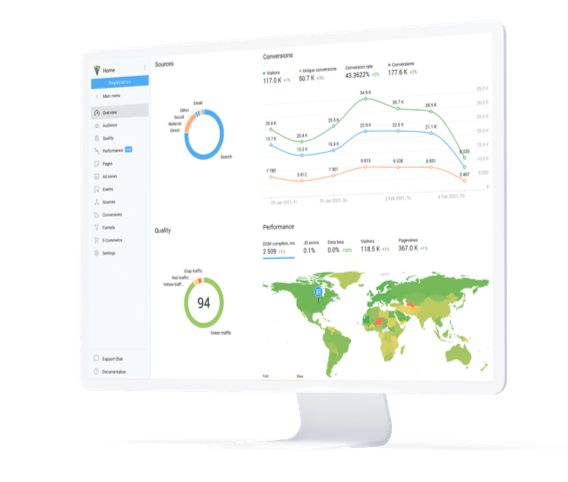
Broker analytics and funnel reporting

  • Connected with MetaTrader 5 environments
  • Traffic and conversion reports
  • Sales funnel analysis
MetaTrader.com

Market information and trading research

  • Market coverage
  • Trading research
  • Economic updates
MQL5

MQL5 trader and developer resources

MQL5 resources cover programming, Expert Advisors, indicators, scripts, strategy testing, marketplace tools and community discussions for traders and developers.

Platform news, broker technology and market events

Selected updates related to MetaTrader technology, brokerage infrastructure, fintech events and trading-platform discussions.

MetaQuotes Colombia Finance Expo

MetaQuotes to attend Finance Colombia Expo 2026

MetaQuotes will join the event in Bogota on June 24-25, bringing platform, fintech and trading infrastructure solutions to one of the region's largest finance gatherings.

MetaQuotes iFX Expo

MetaQuotes to showcase new ecosystem solutions at iFX Expo 2026

As a gold sponsor in Limassol, MetaQuotes will present fresh MetaTrader ecosystem capabilities to brokers, liquidity firms, payment providers and fintech teams.

MetaQuotes Hong Kong trading expo

MetaQuotes joins Online Trading Expo 2026 in Hong Kong

The company will appear as a gold sponsor at the May 27-28 exhibition focused on online trading technology, investment workflows and regional market growth.

MetaQuotes FMAS 2026 event

MetaQuotes to present its latest innovations at FMAS:26 in Cape Town

The Africa-focused event highlights platform infrastructure, brokerage technology and market growth opportunities across one of the continent's key finance hubs.

MetaQuotes Singapore finance summit

MetaQuotes to attend the Singapore Finance Management Summit 2026

The summit gathers investors, banks, liquidity providers and technology firms, giving MetaQuotes another venue to present the broader MetaTrader operating ecosystem.

MetaTrader 5 questions answered

Direct answers to common questions about terminal scope, broker accounts, available symbols, desktop versus web access and automated trading.

What is MetaTrader 5 used for?
MetaTrader 5 is used for market charts, technical analysis, order execution, position monitoring, strategy testing and automated trading. It provides the trading terminal and tools, not brokerage services, account issuance or investment advice.
Which markets can I access with MetaTrader 5?
MetaTrader 5 can be used with forex, CFDs, stocks, futures and other instruments when those markets are supported by the connected broker account. Available symbols, prices and trading permissions are not the same for every account.
Should I use desktop, WebTerminal or mobile?
Use desktop for chart-heavy work, strategy testing and longer trading sessions. Use WebTerminal when browser access is more practical than installation. Use mobile for alerts, account checks and basic position handling away from the desk.
Does MetaTrader 5 support Expert Advisors?
Yes. MetaTrader 5 supports Expert Advisors, MQL5, scripts, strategy testing and parameter optimization. Expert Advisor workflows does not guarantee performance, because results depend on strategy design, market conditions, account settings and runtime stability.
Why are quotes or symbols missing after login?
Quotes or symbols may be missing when the terminal is connected to the wrong server, the account has limited permissions, or the symbol is hidden from the watchlist. Market access is determined by the broker server and account type.

Trading workflows and terminal use cases

MetaTrader 5 is easier to understand through the tasks users perform: manual trading, chart analysis, Expert Advisor workflows and cross-device account access.

Each workflow uses a different mix of charts, orders, account monitoring, WebTerminal, mobile access, Expert Advisors and VPS hosting.
Manual order execution use case icon

Manual order execution

Chart review, order placement and position tracking

Useful when a trader reviews charts, places orders manually and monitors positions across desktop and mobile terminals.

Desktop / Mobile
Market chart analysis use case icon

Market chart analysis

Timeframes, indicators and reusable layouts

Useful when the terminal is used for technical analysis, saved templates, repeated chart routines and post-trade review.

Desktop-first
Expert Advisor workflows use case icon

Expert Advisor workflows

Backtesting, optimization and rule-based execution

Useful when running Expert Advisors, evaluating historical behavior and managing strategy deployment with a defined runtime setup.

Desktop / VPS
Cross-device account access workflow icon

Cross-device account access

WebTerminal entry and mobile monitoring

Useful when users move between desktop analysis, browser-based account access and mobile alerts or position checks.

Web / Mobile

Multi-asset trading platform recognition

Selected awards and recognitions related to MetaTrader 5 platform coverage across desktop, web and mobile access.

MetaQuotes

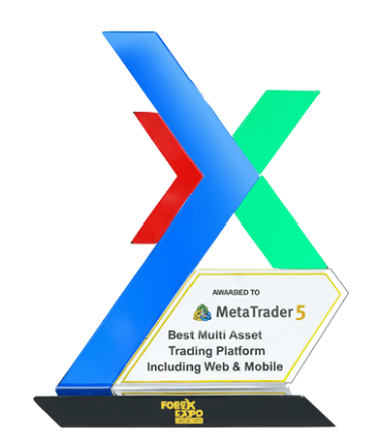
Best Multi-Asset Trading Platform Including Web & Mobile

2025, 2024, 2023, 2022, 2021, 2020

MetaTrader 5 multi-asset trading platform X award trophy
MetaTrader 5

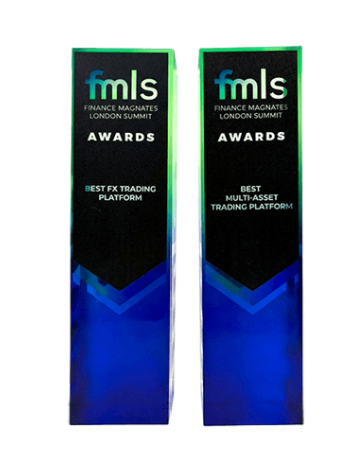
Best Multi-Asset Trading Platform

2025, 2024, 2023, 2022, 2019, 2017

MetaTrader 5 FMLS multi-asset trading platform awards
Related pages

Continue to download or platform details

Continue to the download page for desktop, web and mobile terminal access, or review platform details before choosing a terminal.